DriveUploader allows you to control how users upload files. You can restrict file types, limit the number and size of uploads, allow or disable folder uploads, and protect uploads with a password.
All these options are available in the Restrictions tab of your uploader settings.
Opening upload restrictions
- Log in to your DriveUploader account
- Go to My uploaders
- Find the uploader you want to modify and click Edit
- Navigate to the Restrictions tab
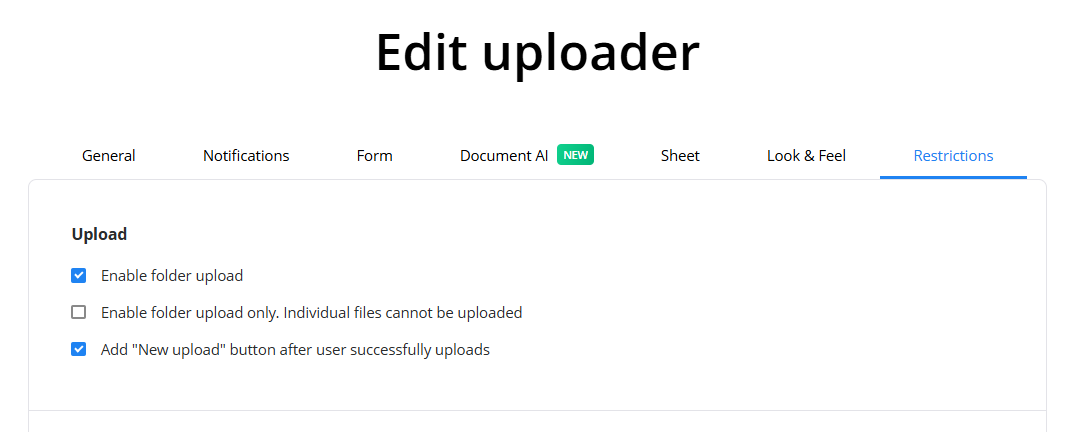
Upload
In the Upload section, you can control how users upload files or folders.
You can enable folder upload, which allows users to upload entire folders instead of individual files.
There is also an option to allow folder upload only, which prevents users from uploading individual files.
Additionally, you can enable the option to show a "New upload" button after a successful upload.
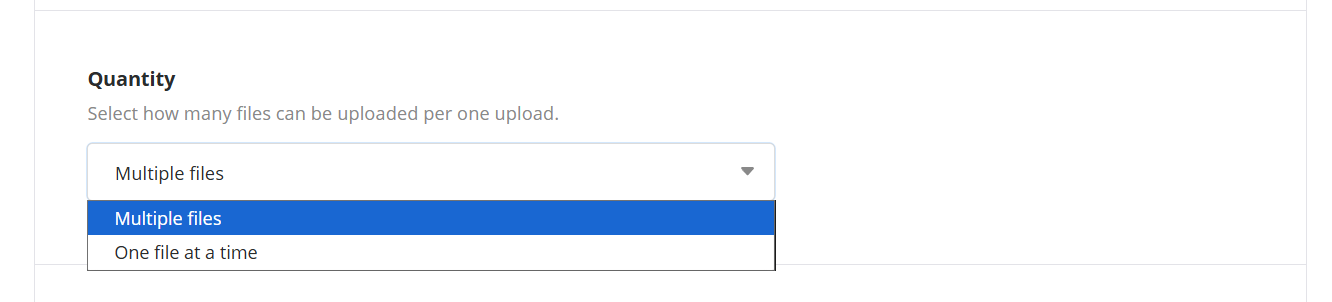
Quantity
You can choose how many files users are allowed to upload at once.
In the Quantity setting, select:
- One file at a time
- Multiple files
This controls how many files can be uploaded in a single upload session.
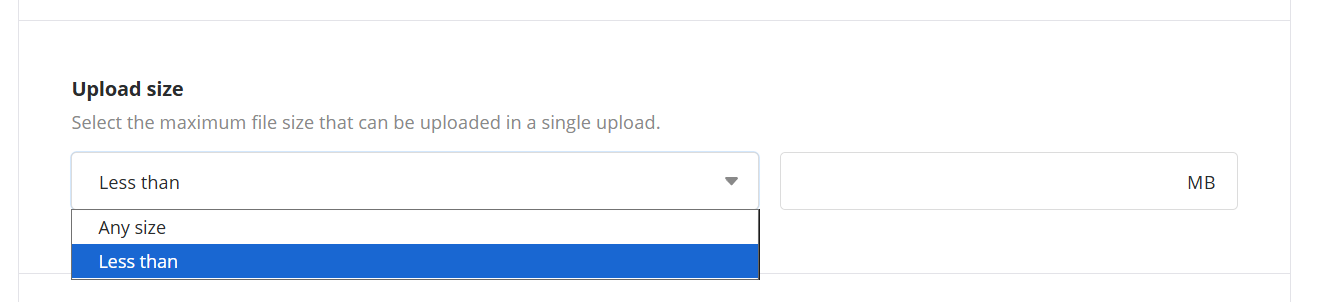
Upload size
You can restrict the maximum size of uploaded files.
In the Upload size setting, choose:
- Any size
- Less than and enter the maximum size in MB
This ensures that users cannot upload files larger than your defined limit.
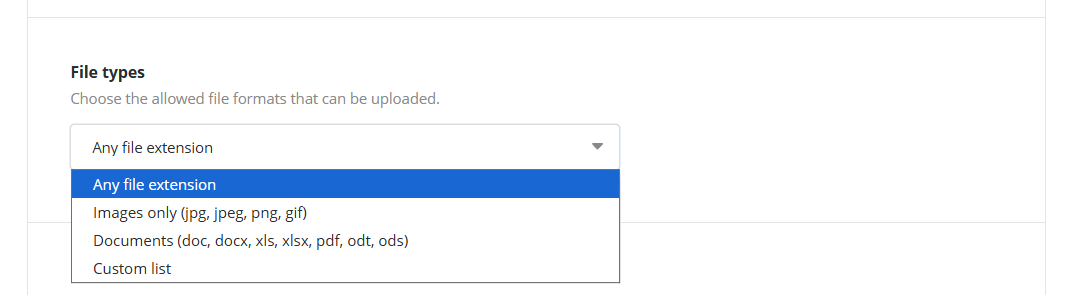
File types
You can control which types of files users are allowed to upload.
In the File types setting, choose one of the following:
- Any file extension
- Images only (jpg, jpeg, png, gif)
- Documents (doc, docx, xls, xlsx, pdf, odt, ods)
- Custom list
Only the selected file types will be accepted during upload.
Password
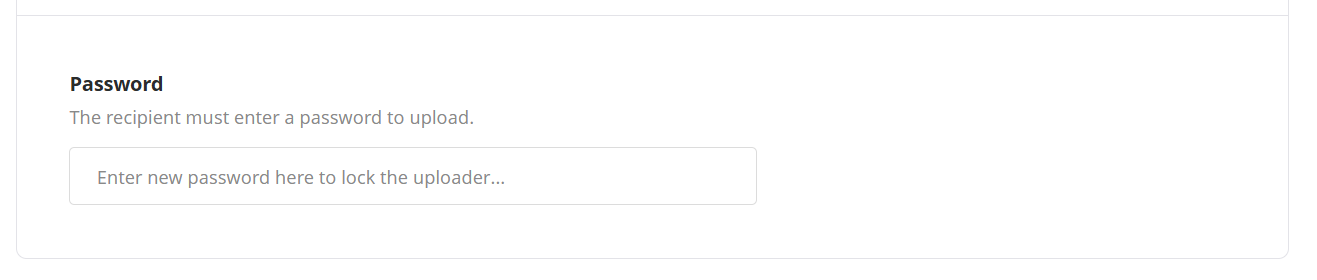
You can require users to enter a password before uploading files.
In the Password field, enter a password to protect the uploader.
Users will need to provide this password before they can upload any files.
How restrictions affect uploads
All configured restrictions are enforced during upload. If a file does not meet the requirements (wrong type, too large, not allowed, or missing password), it will not be accepted.
These restrictions apply to both Online file uploaders and Email uploaders.
Summary
You can control uploads in DriveUploader using the Restrictions tab. The available settings allow you to define how files are uploaded, what types are accepted, and who is allowed to upload them.
